Play on Any Device: Account, Progress and Installing the App
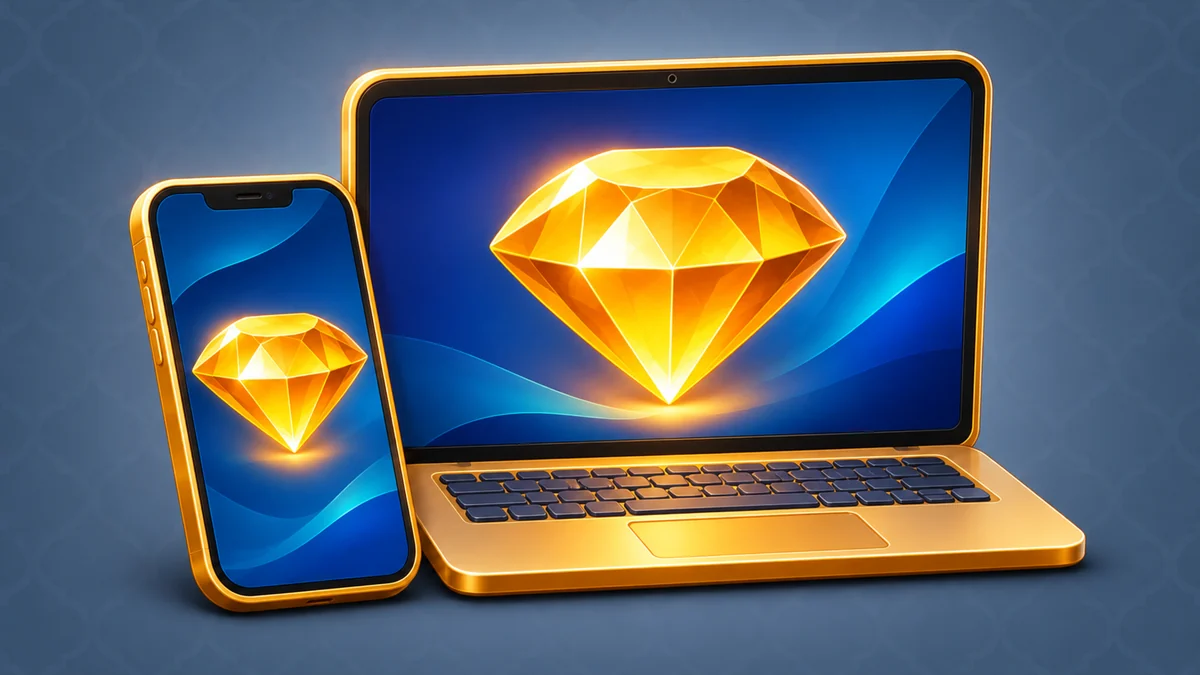
Your progress is saved to your account, so you can start on your phone and continue on your computer without losing anything.
Signing in
Use Google or email and password. Once you're signed in, levels, stars, cards and your Empire are saved to the cloud.
Phone and computer
On a computer, the game opens in your browser. On Android, you can use the Google Play app or add the game to your home screen.
Language and settings
The game starts in your device's language, and you can change it in Settings. That's also where you'll find music, sound effects, voice and vibration.
- Use the same account on every device.
- There's a dedicated page on our site to delete your account and data.
Frequently asked questions
I lost my progress, what now?
Make sure you signed in with the same account you used before. Progress is linked to your account, not your device.
Does the game work on iPhone?
Yes, in the browser.
Ready to play?
Put these tips into practice and rise to the top of Dubai.
Play Dubai Millionaire